
Make room for a little helper
Drag the owl to your favorite corner. It stays close, without getting in the way.
Create tasks, plan your day, organize priorities and keep work moving from one desktop companion.

Hootask stays within reach while you work — a small, draggable icon that's never more than a click away.
Open Tasks
Jump straight into your board.
Add Task
Get something out of your head in seconds.
Dashboard
See what needs your attention now.
Hootask Calendar
Plan tasks around their due dates.
Notifications
See what needs your attention.
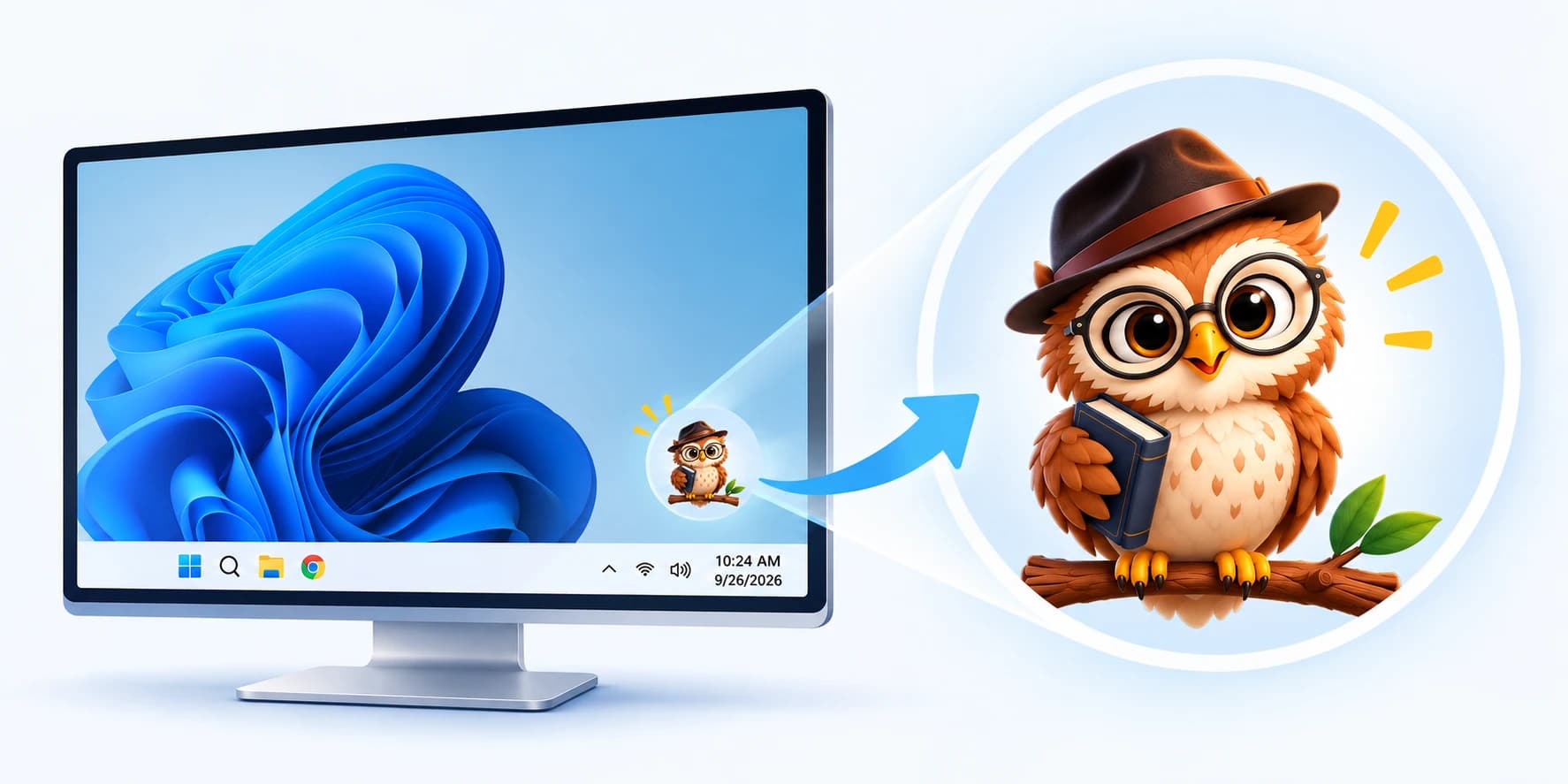
Meet your new desktop companion. Go on, move the owl around.
Drag the owl to your favorite corner. It stays close, without getting in the way.
Click the owl for shortcuts, then open the dashboard, tasks, or calendar.
See meeting reminders, assigned tasks, and helpful updates right on your desktop.
Available for Windows 10 and 11.
Open the Dashboard for what needs attention, or move to Tasks to organize your work with flexible Kanban lists.
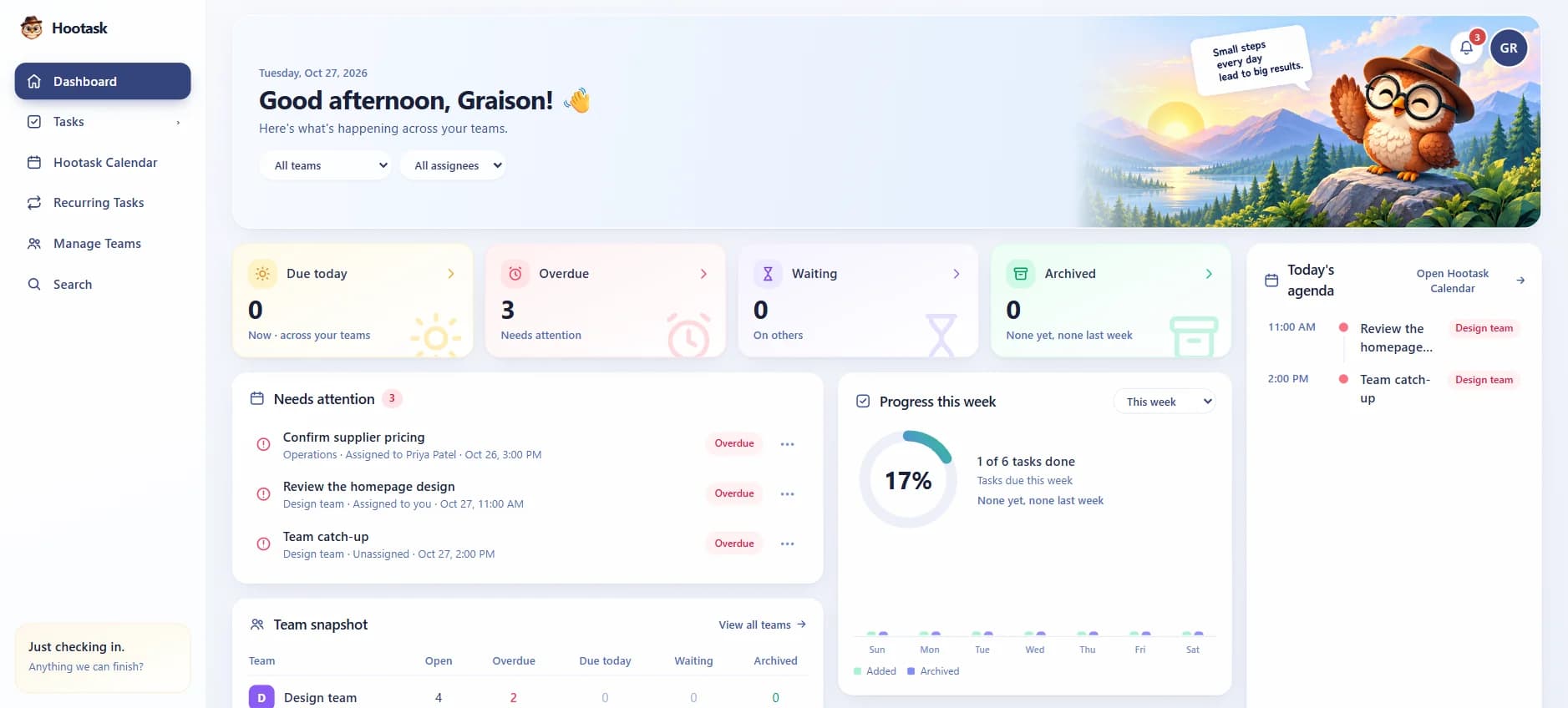
Create tasks, plan your day, organize priorities and keep work moving from one desktop companion.

Create tasks, use Kanban boards, lists, labels and checklists to stay organized.
See your tasks on a calendar, plan your day and keep everything on track.

Set reminders and get notified so you never miss what matters.
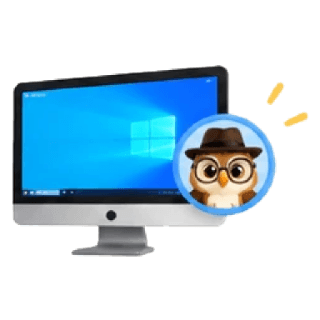
Keep Hootask close while you work on Windows with a floating desktop companion.

Create teams, assign tasks, share boards and get more done together.

Set tasks to repeat automatically — daily, weekly or monthly.

Keep your data synchronized securely in the cloud, with portable backup and restore options.

Quickly find tasks, filter by list, label, priority and more.
Let Hootask keep track of what needs your attention.